Free forever
One card. Everywhere you go.
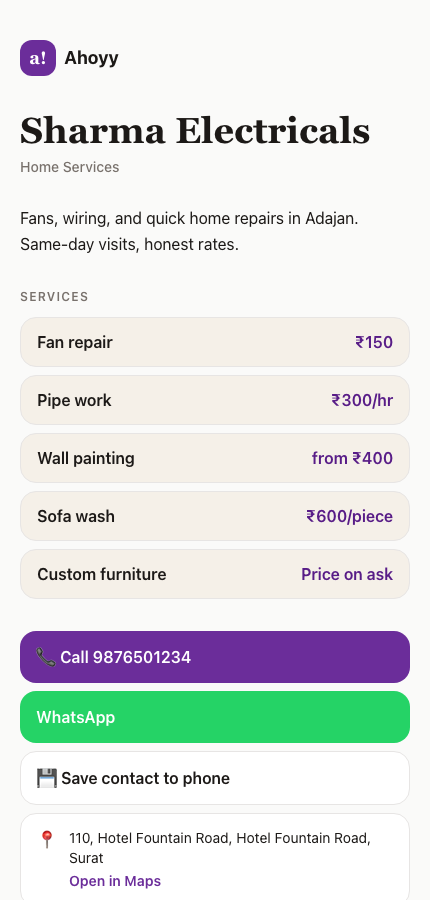
Your business card should not live in a drawer. A digital business card is a web page with your name, your work and your number on it. You send the link, they tap it, and they can call you, message you or save you in one move.
It is free to make. The person receiving it does not need an account, an app or anything else. A browser is enough.
Three ways to hand it over
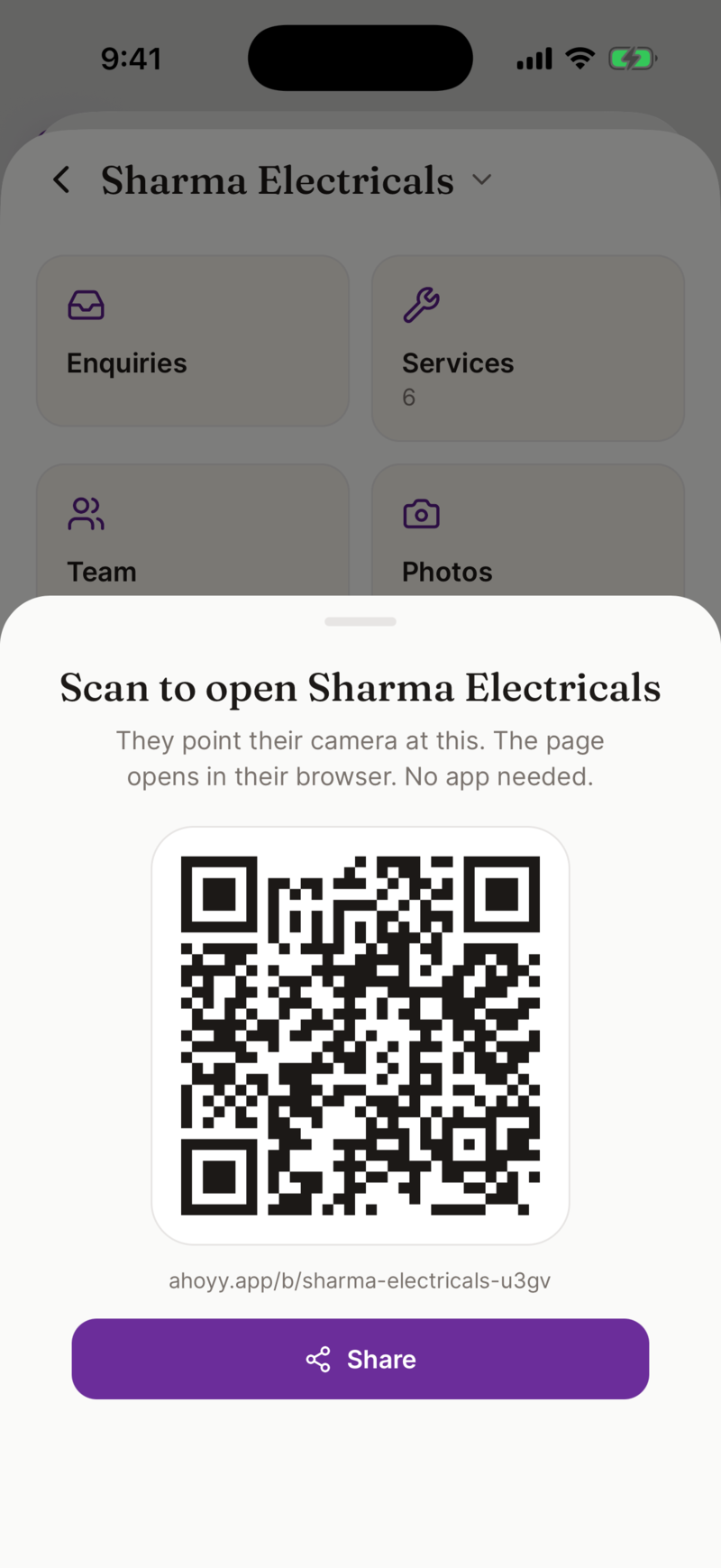
All three point at the same page. There is one card to keep up to date, not three.
- • Send the link. Works in WhatsApp, email, SMS, LinkedIn, anywhere text goes.
- • Show the QR code. They point their camera at your screen and the card opens.
- • Print the QR code. Put it on a poster, a shop board, a delivery box or a paper card.
Set it up in four steps
- 1. Open the card maker and sign in with Google.
- 2. Add your name, your role and your phone number.
- 3. Pick a template and adjust it until it looks like you.
- 4. Save, then send the link to the first person who asks for it.
Why one card beats a printed box
| Changes | Edit the page. The link and QR code do not change. |
|---|---|
| Cost | No printing bill, no reprint bill. |
| Detail | Room for services, prices, photos and a map, not just a name. |
| Getting saved | One tap adds you to their phone with the correct spelling. |
| Losing it | A link sits in their chat history. Paper ends up in a bin. |
It also holds the cards you receive
Sharing is only half of a card. The other half is remembering the people who gave you theirs. Ahoyy scans a card with your camera and saves the name, number and company, along with where you were standing when you met.
Those contacts sit in Ahoyy, not in your personal phonebook, so your phone does not fill up with names you met once at an exhibition.
For a team
A company page can carry several people. Invite your staff, give each of them a role, and each gets their own card under the same business. When someone leaves, you remove them and their card stops working.
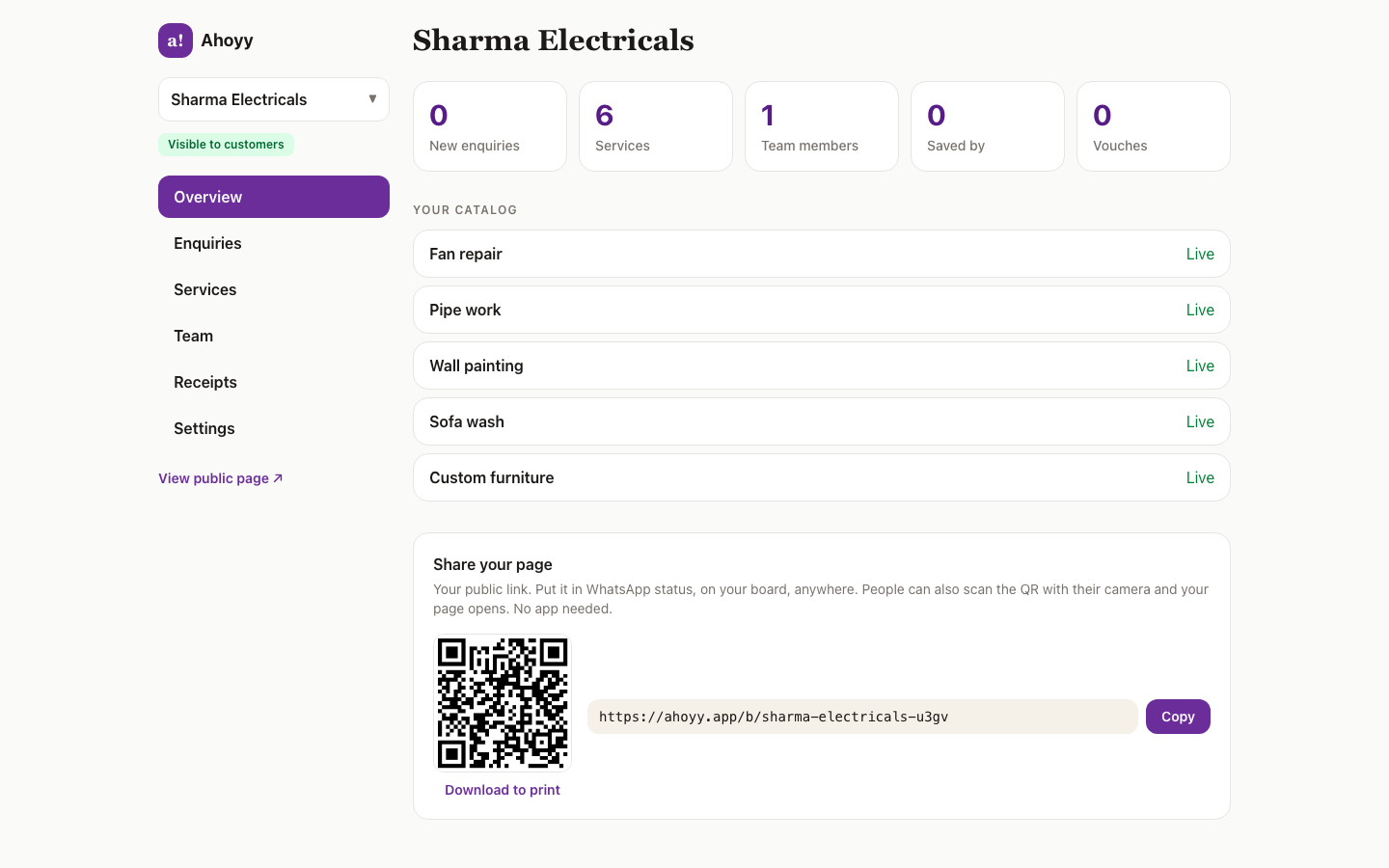
A web dashboard shows the whole thing in one place: enquiries that came in, your service list, your team and your settings.
Common questions
- Is the digital business card free?
- Yes. Creating your card, sharing it and downloading your QR code are free. Paid plans exist for heavier use of the directory, but nothing about the card itself is behind a wall.
- Does the person receiving it need to install anything?
- No. Your card is a normal web page. It opens in any browser on any phone or computer.
- Can I update my card after I share it?
- Yes, and this is the main reason to go digital. Edit your details and save. The link and QR code stay the same, so everyone who already has them gets the new version.
- Can I add more than a phone number?
- Yes. You can add your role, a photo, your services with prices, shop photos, a location and a UPI payment code.
- Does my card show up in Google?
- Personal card pages are deliberately kept out of search. Business pages can be listed, but only after you claim the business and switch it on yourself.
- What do I need to sign up?
- A Google account. There is no card number, no trial clock and no monthly charge for making a card.
Read next: Free digital business card, Share your card on WhatsApp, Scan the cards you are given.