One tap to send
Your card, sent on WhatsApp
WhatsApp is where the conversation already is. So that is where your card should go. Tap Share, pick the chat, send. They tap the link and your page opens with your name, your work and a button to save you.
You can also send it as a picture with your details in the caption, which is handy for groups where people scroll fast.
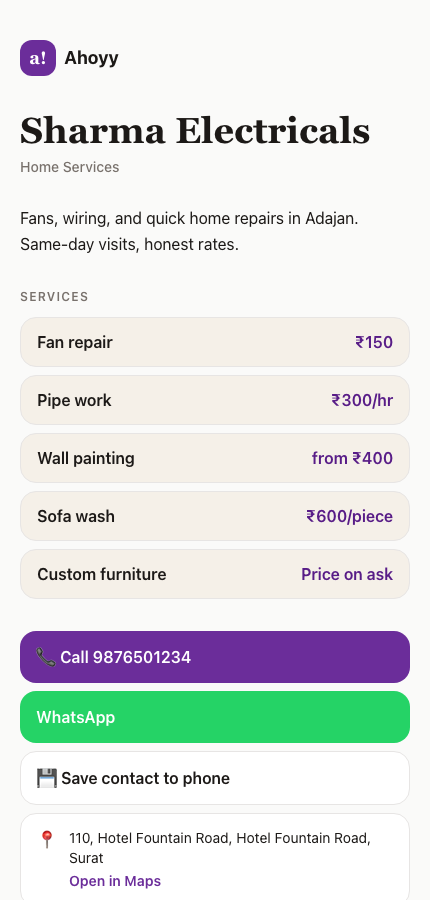
How to send your card on WhatsApp
The same link works in a status update, in your WhatsApp about line, or pinned in a group description.
- 1. Make your card and sign in with Google.
- 2. Tap Share on your card.
- 3. Pick WhatsApp, then pick the chat or the group.
- 4. Send. They tap the link and your page opens in their browser.
Why a link beats a contact file
People send a photo of their card in chat all the time. It looks fine and it does nothing. Nobody types a number out of a picture.
| A contact file | Downloads, sometimes opens in the wrong app, and is fixed forever. |
|---|---|
| A screenshot of a card | Cannot be tapped. They have to type your number by hand. |
| Your card link | Opens in one tap, saves in one tap, and updates when you edit it. |
Sharing other people too
The same works in reverse. When a friend asks for your electrician, you can send that contact from Ahoyy straight into the chat, with the details as text plus a link. They tap and save. No copying a number out of a screenshot.
For shops taking orders on WhatsApp
If most of your work comes through WhatsApp, put your rate list on your page and send that one link instead of typing prices again every week. Customers see what you charge before they message.
Your page has its own WhatsApp button, so a customer who finds it can start the chat from there. Enquiries and booking requests land in one inbox instead of being lost in your chat list.
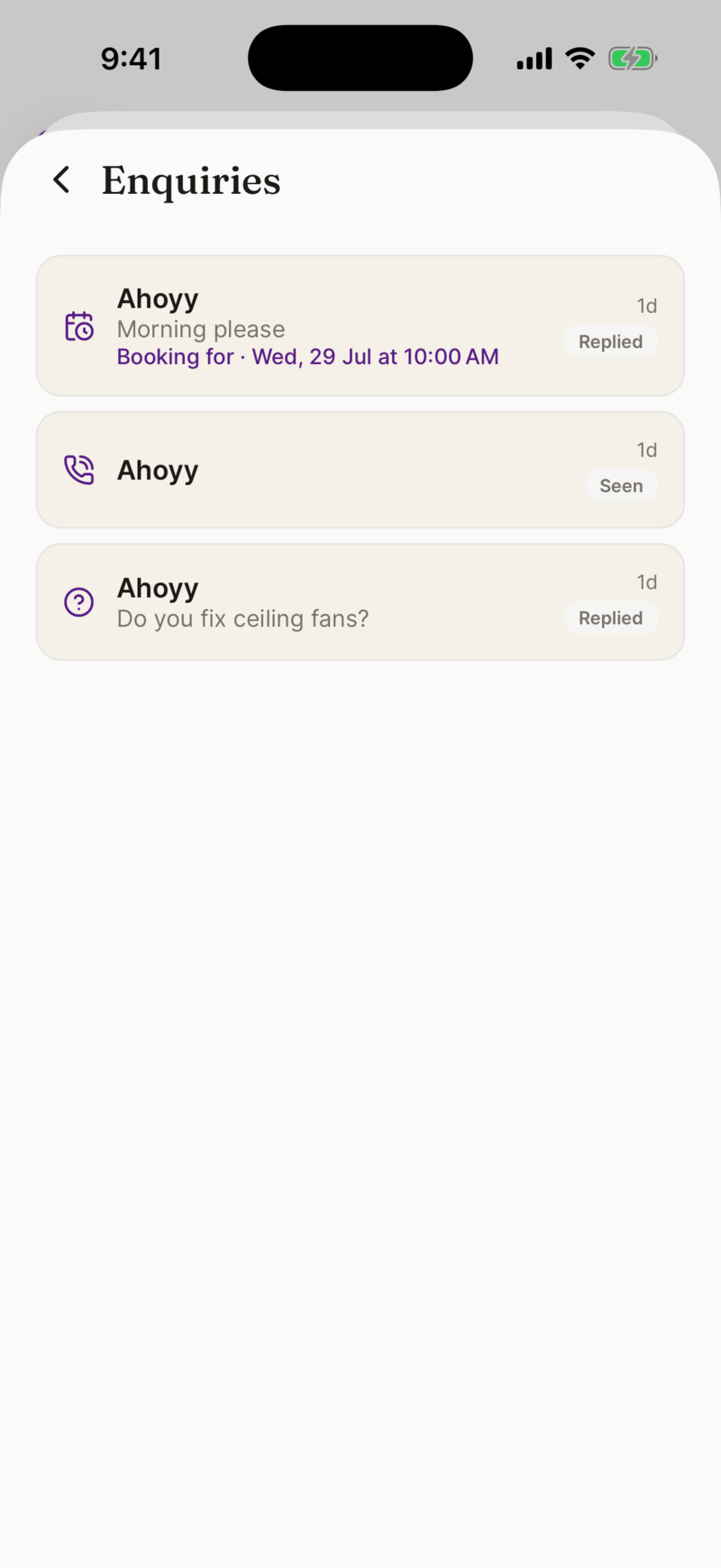
It works with the WhatsApp everyone already has
There is nothing to connect and no business account needed. Your card is a normal link, so it behaves the same in WhatsApp, WhatsApp Business, SMS, Telegram or email.
Common questions
- Do they need the Ahoyy app to open my card?
- No. The link opens in whatever browser their phone already uses.
- Can I send my card to a group?
- Yes. It is a normal link, so it works in a group, in a broadcast list or in your status.
- Can I put the link in my WhatsApp about line?
- Yes, and it is a good place for it. Anyone who taps your profile can reach your card.
- Does it work on WhatsApp Business?
- Yes. There is no connection or approval needed. It is a link like any other.
- What if my details change after I send it?
- Edit your card. Old messages still carry the same link, and the link now shows the new details.
- Can I send it as an image instead of a link?
- Yes. Your card can be shared as a picture with your details written into the caption, so a person can read it without tapping anything.
Send your card in the next chat
Free to make, and it works with every contact you already have.
Make my card freeRead next: What a digital business card can do, Free, with no monthly fee, Sharing contacts on WhatsApp.