Free in the app
Stop typing out business cards
Stop typing phone numbers while standing in front of a shop. Point your camera and the name, the number and the company come out on their own. Fast, accurate and completely free.
The card is read on your phone rather than on a server, so a weak signal does not stop you. What you saved syncs when you are back online.
Do not just scan it. Remember it.
Most business card scanner apps turn an image into text and dump it into your phonebook. That is how you end up with Raju AC and Raju AC 2, and no idea which one to ring.
Ahoyy pulls the details off the card and then lets you add where you were and why you saved them. So when you need an AC mechanic six months later, you actually know who to call.
How to scan a card
- 1. Open Ahoyy and tap the plus button, then Scan.
- 2. Hold the card flat and fill the frame with it.
- 3. Check the result and fix a letter if the print was small or shiny.
- 4. Add where you met them and why, then save.
Ahoyy against typing it by hand
| Time it takes | By hand: thirty to forty seconds of awkward standing. Ahoyy: point and shoot. |
|---|---|
| Mistakes | By hand: a wrong digit you discover weeks later. Ahoyy: the text is read off the card, and you confirm it before saving. |
| Your phonebook | By hand: it fills up with strangers. Ahoyy: they sit in a separate list. |
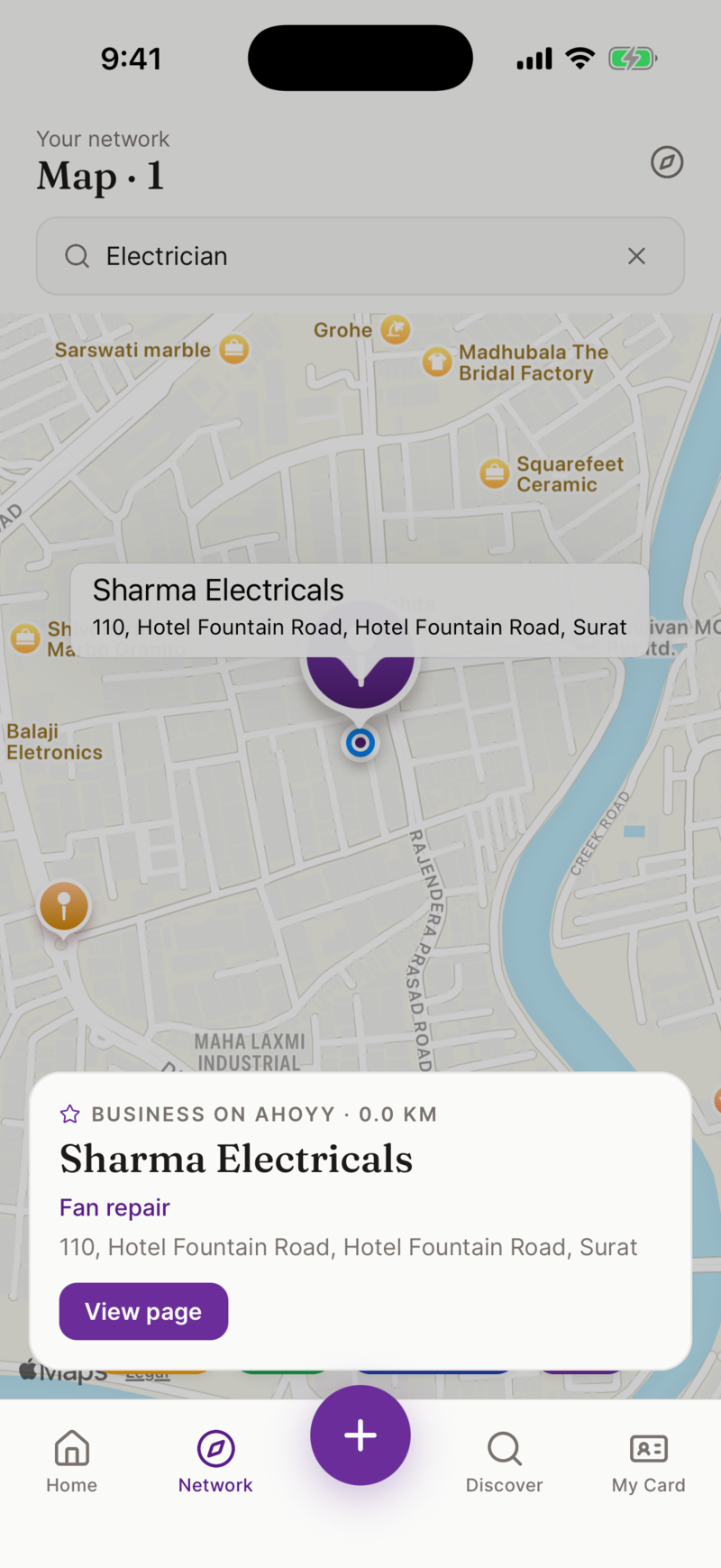
| Where you met | By hand: nowhere to write it. Ahoyy: saved with the person and shown on a map. |
It reads more than printed cards
- • Shop signboards, when there is no card at all.
- • Banners, hoardings and a number written on a wall.
- • A number scribbled on a bill or a slip of paper.
- • Cards that mix English with Hindi.
- • Cards where the name hides under a large logo, which trips up plain text apps.
Privacy first. Your data is yours.
Unlike a lot of free scanner apps, we do not sell your scanned contacts and we do not use them to build a public caller ID database. The data you scan stays in your private Ahoyy account, exactly where it belongs.
Common questions
- Does it work offline?
- Yes for the scan itself. Reading the card happens on your phone, so you can scan with no signal. What you saved syncs to your account the next time you are online.
- Can it read shop boards and banners?
- Yes. Ahoyy is not only for traditional paper cards. Point your camera at a shop signboard, a banner or even a handwritten number and we will pull the contact details out of it.
- Is the scanning feature completely free?
- Yes. Core scanning and contact saving in Ahoyy are completely free. We do not lock the basic use of the app behind a paywall.
- Where do scanned contacts go?
- Into your Ahoyy account, not straight into your phone contacts. Your personal phonebook stays the list of people you actually ring.
- Does it handle Indian names and numbers properly?
- The reader is tuned for Indian cards. It handles common name patterns, mixed English and Hindi, and ten digit numbers with or without the country code. It always shows you the result first, so a small correction is easy.
- Do I need a subscription?
- No. There is no subscription for scanning. Paid plans exist only for heavier use of the directory.
Read next: The India-facing version of this page, Step by step scanning guide, Clean up your phonebook.