Free in the app
Scan a card. Keep the person.
You are standing in front of a shop with a card in your hand. Typing it takes half a minute and you still spell the name wrong. Point your camera instead. The name, the number and the company come out on their own.
The reading happens on your phone. The photo of the card is not sent away to be understood, so a weak signal does not stop you.
How to scan a card
Step four is the one people skip and the one that matters six months later.
- 1. Open Ahoyy and tap the plus button, then Scan.
- 2. Hold the card flat and fill the frame with it.
- 3. Check what came out. Fix a letter if the print was small or shiny.
- 4. Add where you met them and why, then save.
It reads more than printed cards
- • Shop boards and shutter paint, when there is no card at all.
- • Banners, hoardings and a number written on a wall.
- • A number scribbled on a bill or a slip of paper.
- • Cards with mixed English and Hindi text.
- • Cards where the name sits under a big logo, which trips up plain text apps.
Scanning is easy. Remembering is the hard part.
Most scanners turn a picture into text and drop it in your phonebook. That is how you end up with Raju AC and Raju AC 2 and no idea which one came to your house.
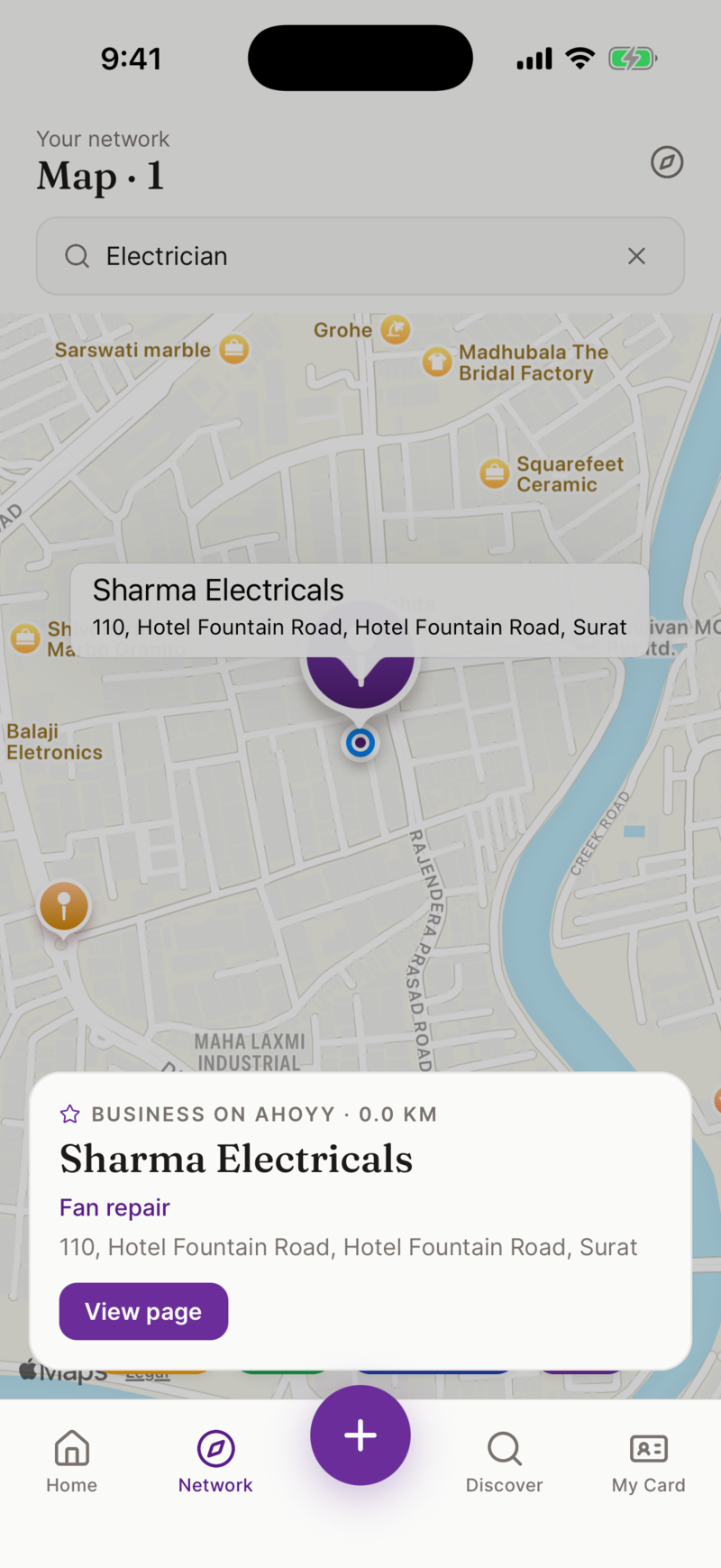
Ahoyy saves the place along with the person. It guesses where you are, and you can search for the exact shop and drop a pin on it. Add a line about why you saved them. Later you search Adajan or fan repair and the right person comes up.
Your phonebook stays clean
Scanned cards go into Ahoyy, not into your personal contacts. Your phonebook stays the list of people you actually ring. Everyone else lives in Ahoyy, searchable, with notes and a place attached.
If you want to bring existing numbers across, you can import from your phonebook. Ahoyy suggests which ones look like shops and services, and filters out the ones you already have.
What we do not do with your scans
We do not sell your scanned contacts and we do not build a public caller ID list out of them. The people you scan stay in your account. That is the whole rule.
Common questions
- Is the visiting card scanner free?
- Yes. Scanning cards and saving contacts is free, with no limit and no subscription.
- Does it work without internet?
- The card is read on your phone, so you can scan with no signal. What you saved syncs to your account the next time you are online.
- Does it read Indian names correctly?
- The reader is tuned for Indian cards. It handles common name patterns, ten digit numbers with or without the country code, and cards that mix English with Hindi. Small or shiny print can still need a one letter fix, so it always shows you the result before saving.
- Can it read a shop board instead of a card?
- Yes. Point the camera at a signboard, a banner or a hand written number and it pulls out the contact details the same way.
- Where do the scanned contacts go?
- Into your Ahoyy account, not your phone contacts. You can share any of them to your phonebook later if you want.
- Can I scan a card with two people on it?
- You can scan it and keep both sets of details. Check the result before saving, because cards that list two people are the ones most likely to need a small correction.
Read next: Step by step guide to scanning a card, Make your own card, Clean up your phonebook.