Events
Pack the lanyard, the charger and the card that cannot run out
A printed box of two hundred cards is a bet you place three weeks before an event. Bet too low and you run out on day two. Bet too high and the rest go in a drawer with an old job title on them. A digital business card removes the bet: there is nothing to run out of, and you can fix a mistake after you have handed it over.
This page is about the card as event kit specifically. Not the general case, but what to put on it for a room full of strangers, how to carry it so you actually use it, and what to do with it when you get home.
What belongs on an event card
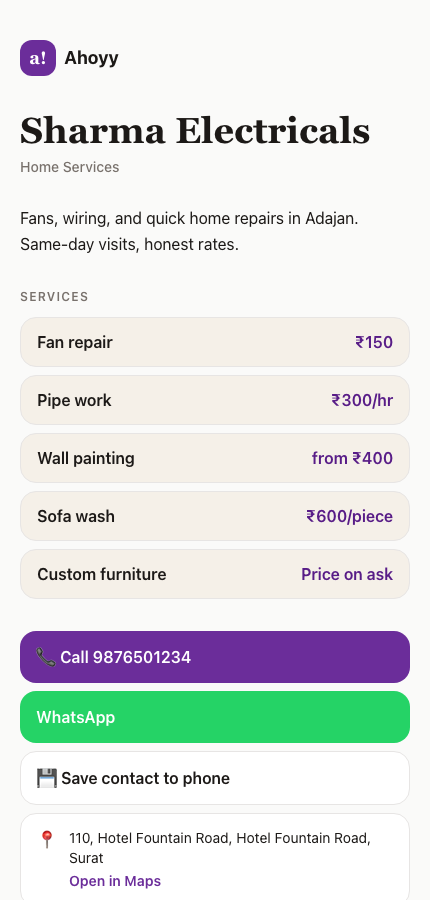
The card you use day to day is usually too thin for an event. A stranger who scans your code at four in the afternoon has met thirty people and needs to know in five seconds who you are and why the conversation was worth having.
- • Your role in plain words, not an internal job title. "Runs the warehouse software" beats "Senior Solutions Lead".
- • The company name, spelled the way people will search for it later.
- • A photo of your face. At an event this is the single strongest memory hook on the card.
- • The number you actually answer, and whether WhatsApp reaches you on it.
- • What you sell or what you are looking for. One line. This is the difference between a saved contact and a deleted one.
How to hand it over without fumbling
The mechanics are simple, but the version that works under pressure takes ten minutes of preparation the night before.
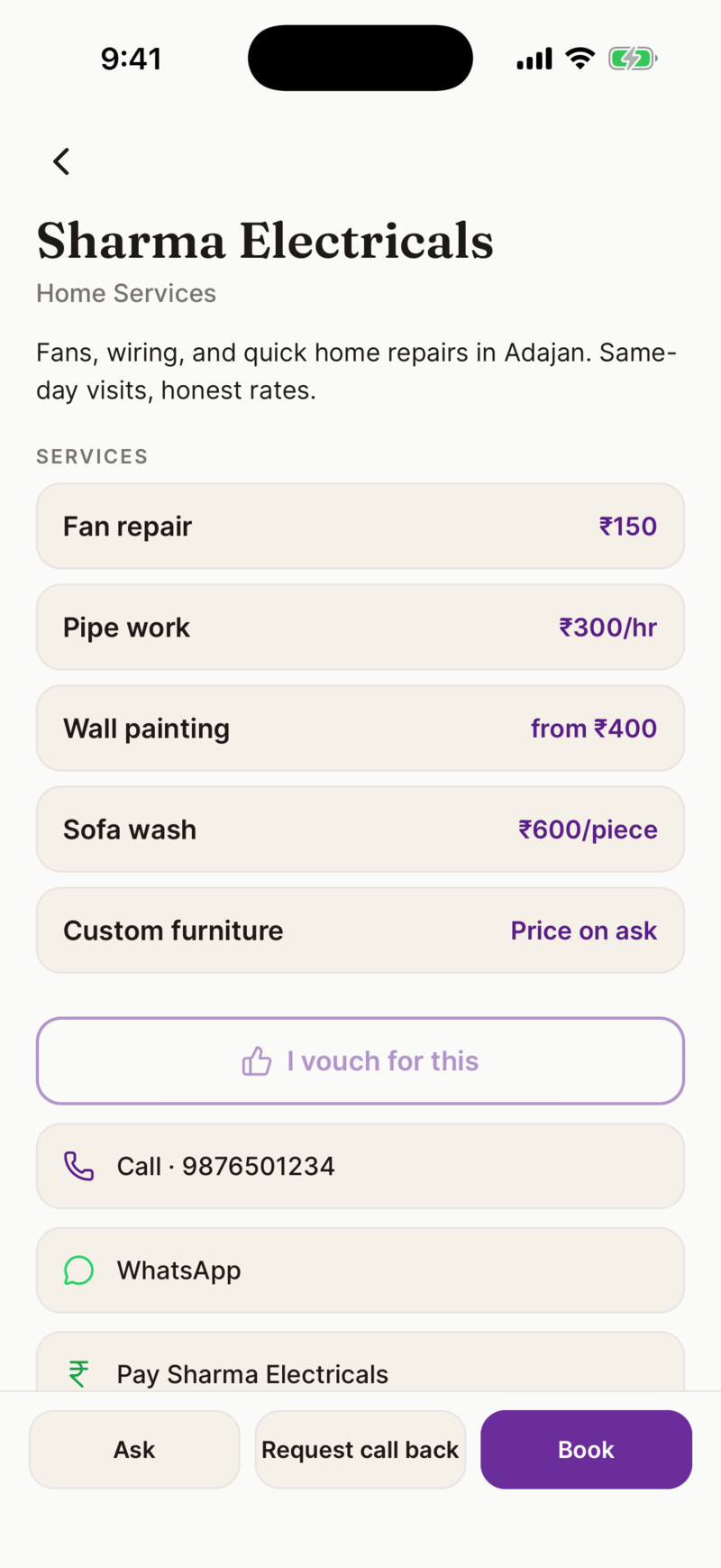
- 1. Open your share screen and download the QR image to your phone photos.
- 2. Put that image somewhere reachable in one swipe: favourites, a widget, or the front of your photo roll.
- 3. Turn your screen brightness up when you arrive. Dim venues break more scans than bad codes do.
- 4. Print the same code on a small sticker for your lanyard or the back of your laptop, for the times both your hands are busy.
- 5. Practise once with a colleague so the first real use is not the first attempt.
Why digital wins specifically at an event
| Running out | Cannot happen. The same code works for every person in the hall. |
|---|---|
| Wrong details | Edit the page. The link and the code stay the same, including for people who already scanned it. |
| New job or title | One edit. No reprint, no crossing out with a pen. |
| Weight | Nothing to carry. No box, no holder, no pocket full of bent card. |
| Getting saved | One tap adds you to their phone with the spelling correct. |
| Follow-up | Your link sits in their browser history and their chat, not in a bin at the airport. |
The half of the card people forget
Sharing is only one direction. At any real event you will be handed paper, and that pile is where good intentions go to die.
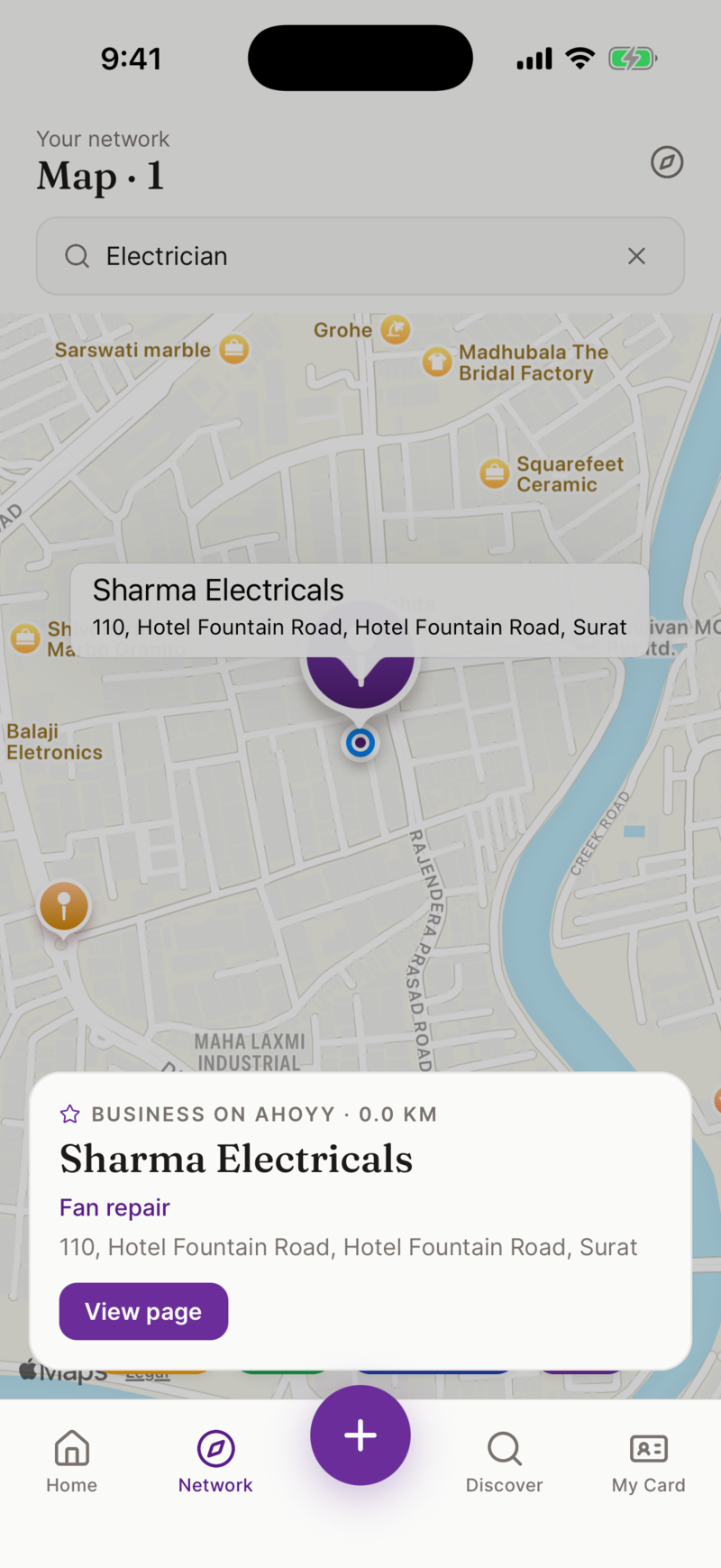
Ahoyy scans those cards on your device, so it works with no signal in a big hall, and saves the name, number and company without you typing. Every saved contact also records where you met the person, and you can pin the exact spot in the venue.
That location is the part that makes the follow-up work. "Good to meet you at the coffee stand in Hall 2 on Tuesday" gets a reply. "Great connecting at the event" does not.
These contacts stay inside Ahoyy rather than your personal phonebook, so three days of collecting does not turn your address book into a graveyard.
Straight answers about the limits
- • We sell no NFC cards or tags. The QR code is free and does the same job on any camera phone. If you already own a blank NFC card, most can be programmed with any web link, including yours.
- • No badge scanning. Event badges belong to the organiser and need their lead retrieval licence.
- • No CRM sync and no lead capture mode. Nothing you collect travels into a sales tool by itself.
- • The Ahoyy mobile app is distributed through TestFlight and is not on the public app stores. Everything on the web side, including making your card and sharing it, runs in a browser.
Common questions
- Do I still need printed business cards at an event?
- You do not need to hand any out. A QR code covers the same ground, cannot run out, and can be corrected after the fact. You will still be given paper by other people, so having a way to scan it matters.
- Does the other person need to install an app?
- No. Your card is a normal web page. Their built-in camera reads the QR code and it opens in their browser. No account, no download, no wall between them and your number.
- What should I put on a business card for a conference?
- Your face, your name, a plain-English description of what you do, your company, the number you answer, and one line about what you sell or want. Anything more is unread by someone who has met thirty people that day.
- Can I change my card during the event?
- Yes. Edit it and save. The link and QR code do not change, so people who scanned you that morning see the corrected version.
- Does Ahoyy sell NFC cards for events?
- No. We sell no hardware at all. The free QR code is the equivalent and works on any phone camera without the other person needing to know where to tap.
- Is Ahoyy on the App Store or Google Play?
- Not at the moment. The mobile app is distributed through TestFlight. The web side works in any browser, so you can build your card, get your QR code and share it without installing anything.
- Is the card free for events?
- Yes. The card, the QR code, sharing and saved contacts cost nothing, and there is no per-event fee.
Pack a card that cannot run out
Free to make, nothing to print, and correctable after you hand it over.
Create my card freeRead next: QR code networking, Conference networking, Digital business card.