Free to make
Your visiting card, always in your pocket
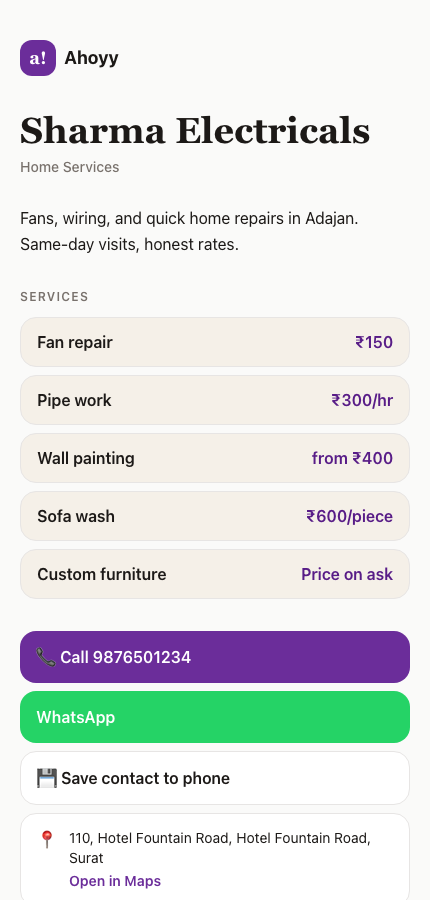
A digital visiting card is your card as a web page. You send a link, the other person taps it, and your name, number and work show up in their browser. Nothing to print. Nothing to install on their side.
When your number or shop address changes, you edit the page. The link stays the same. Every person you already gave it to sees the new details.
What you get
- • A page with your name, photo, work and phone number.
- • A Call button and a WhatsApp button that open straight away.
- • A Save contact button, so you land in their phonebook with the right spelling.
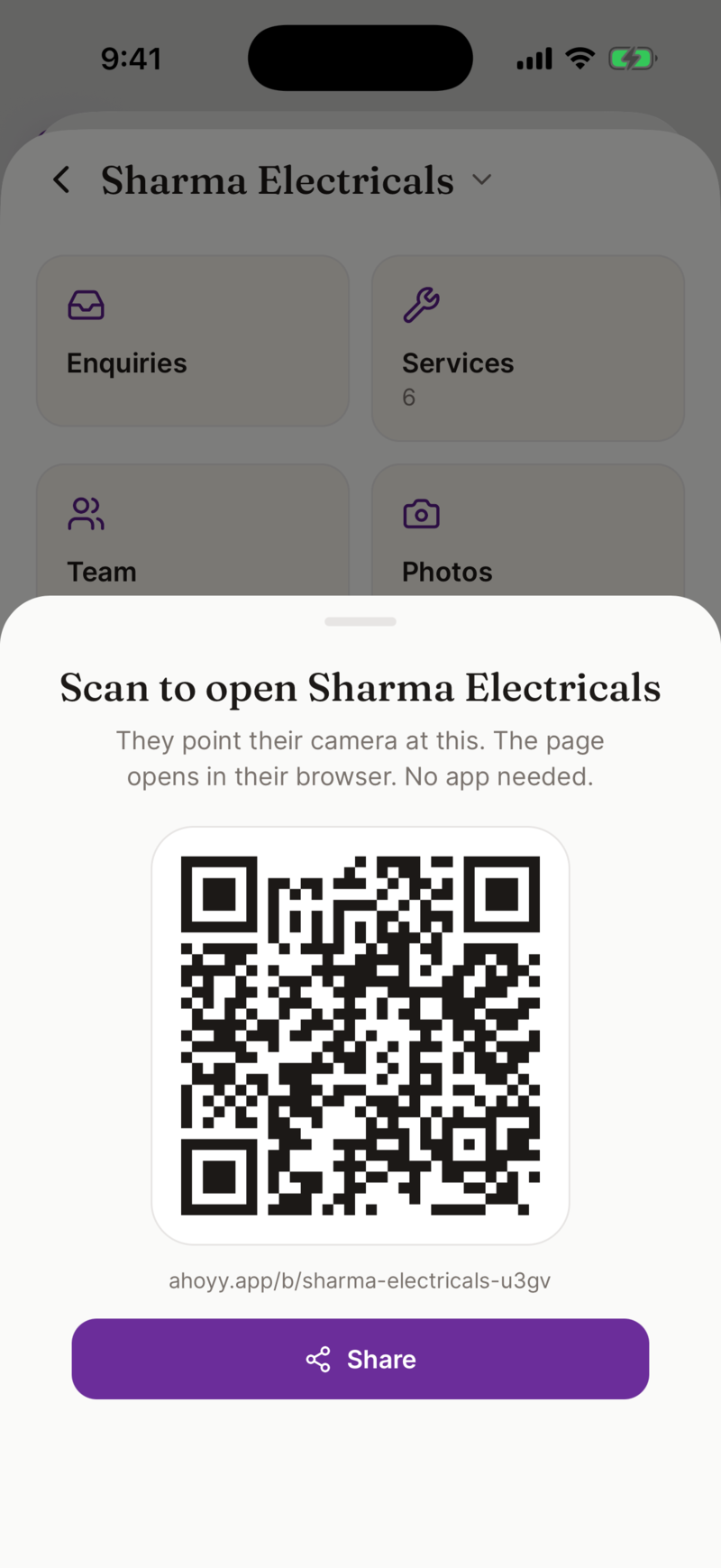
- • A QR code for the same page, to print on a board, a shutter or a paper card.
- • One link you can put in your WhatsApp about, your Instagram bio or your email signature.
Make yours in under a minute
That is the whole thing. There is no printing shop, no minimum order of 500 pieces, and no waiting.
- 1. Open the card maker on the web or in the Ahoyy app and sign in with Google.
- 2. Type your name, your work and your phone number.
- 3. Pick a template. You can change it later without changing your link.
- 4. Tap Share. Send the link on WhatsApp, or show the QR code.
Paper card or digital visiting card
| Cost per card | Paper: you pay per print. Digital: free, and one card serves everyone. |
|---|---|
| Number changed | Paper: reprint the whole box. Digital: edit once, the link is unchanged. |
| Running out | Paper: happens at the worst moment. Digital: cannot run out. |
| Getting saved | Paper: they type it in later, or they never do. Digital: one tap saves you. |
| Prices and photos | Paper: no room. Digital: as many as you want. |
For shop owners and service work
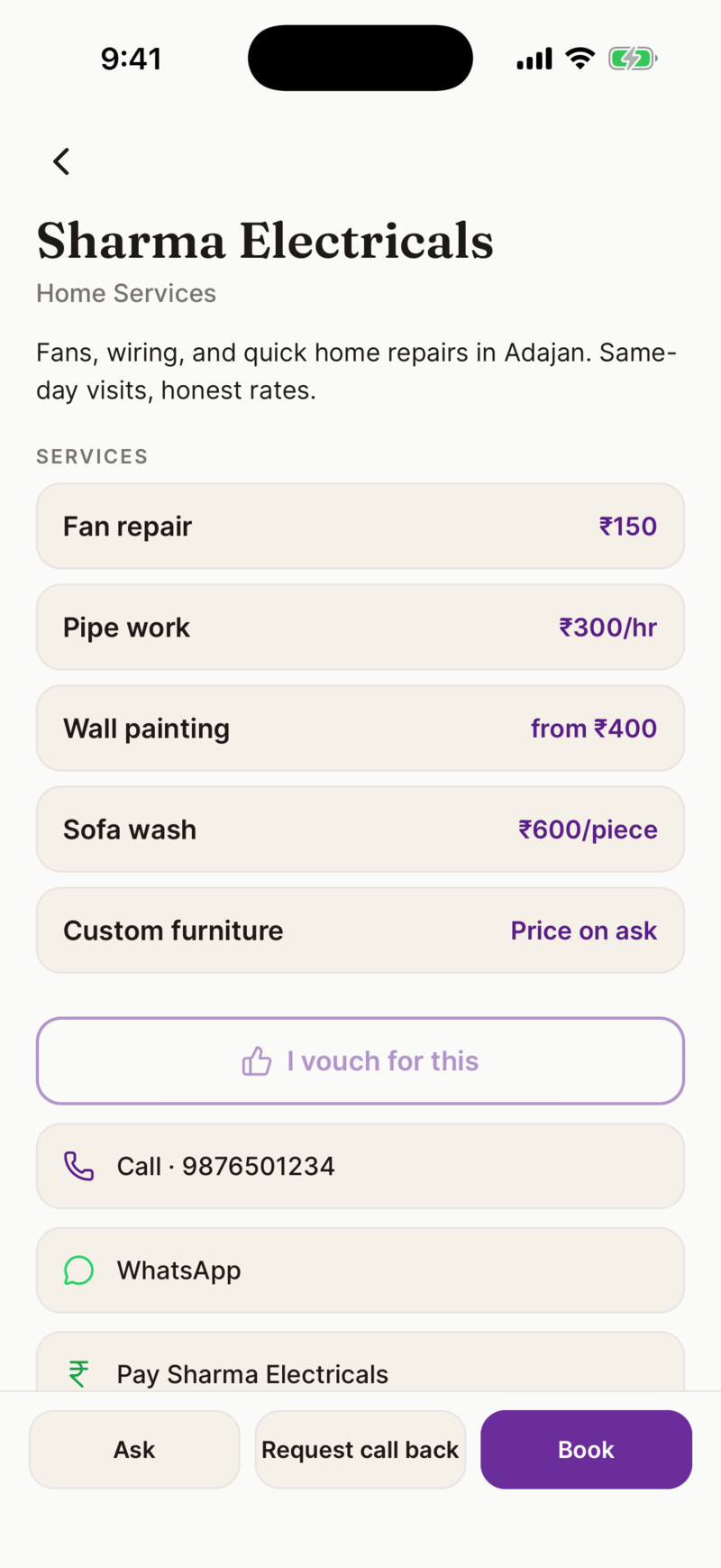
If you run a shop or take jobs on call, your card can carry your rate list too. Add each service with a price, a per hour rate, a starting price, or price on ask. Customers see the rates before they ring you, so fewer calls end in "kitna lagega".
You can also add your UPI QR code to the same page, so a customer can pay you from the page they are already looking at. Ahoyy never sits between you and the money. We take no commission.
It works in Hindi
The app switches to Hindi from Settings. Categories, service names and the screens your staff use are all translated. Your customers see your page in a language they read comfortably.
Common questions
- Is a digital visiting card really free?
- Yes. Making your card, sharing it and getting your QR code cost nothing. We charge only for extras like revealing many directory contacts in a month.
- Does the other person need the app?
- No. Your card is a normal web page. It opens in whatever browser they already have. They tap Save contact and you are in their phonebook.
- What happens when my phone number changes?
- Edit your card and save. The link and the QR code stay exactly the same, so anyone who already has them sees your new number.
- Can I still hand out paper cards?
- Yes, and many people do both. Print your QR code on the paper card. The paper gets you noticed, the QR gets you saved correctly.
- Can I put two phone numbers on one card?
- Yes. A card can carry more than one number, which helps when a shop is run by two people or you keep a separate work number.
- Who can see my card?
- Only people you give the link or QR code to. Your personal card page is kept out of search results on purpose, because phone numbers should not sit in Google.
Read next: Turn your card into a QR code, Scan the cards people hand you, Put your shop online.