For crowded phonebooks
Your phonebook, finally sorted
Most Indian phonebooks are a graveyard. Three thousand numbers, half of them saved as a first name and nothing else, a dozen versions of the same plumber, and no way to remember who any of them are.
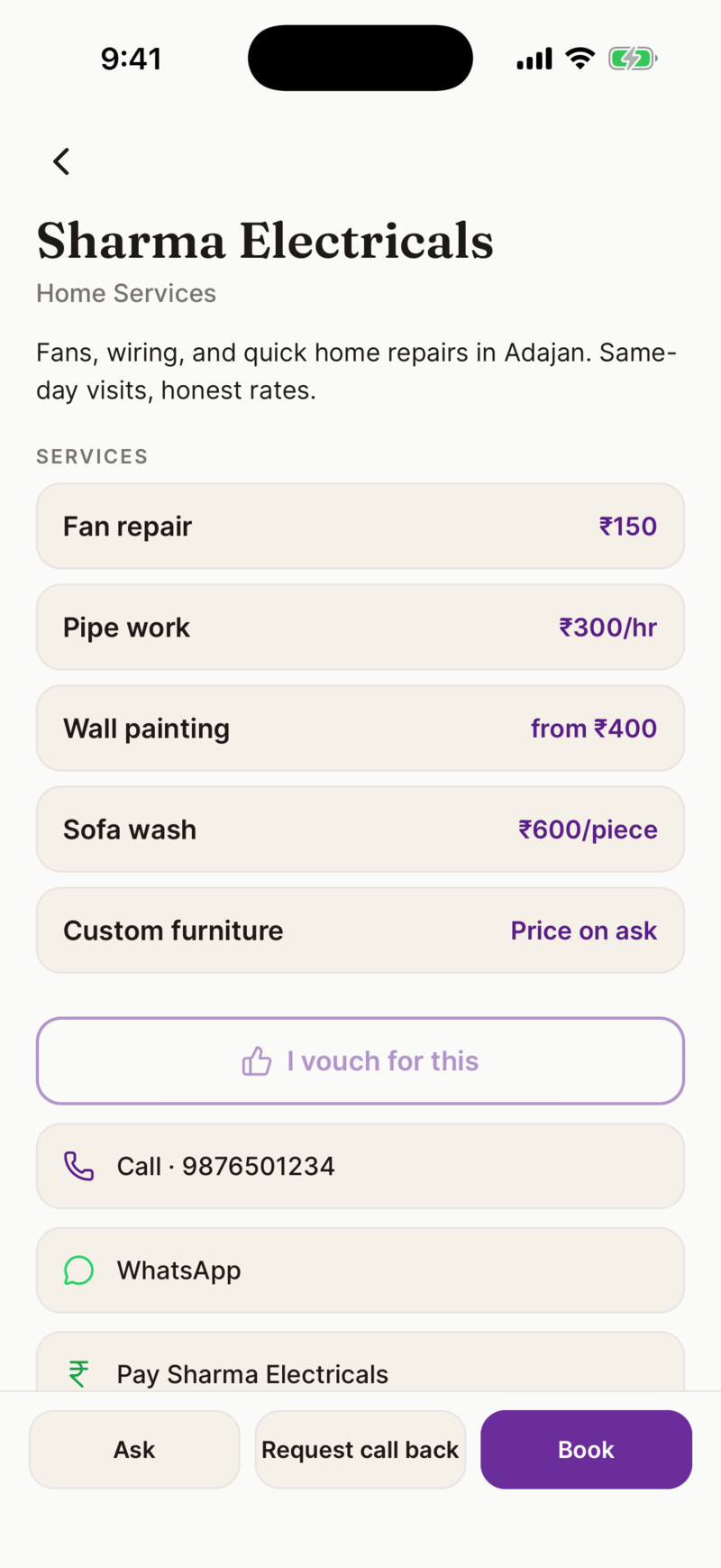
Ahoyy is a place to keep the people your phonebook cannot handle. Every contact carries a note, a place and a reason, so you can find them by what they do instead of by a name you half remember.
The four problems in every big phonebook
- • Duplicates. The same person saved three times with three spellings.
- • Nameless numbers. Saved in a hurry as Ravi, and there are now nine Ravis.
- • No context. You know the number is a carpenter, you just cannot tell which entry.
- • Nothing about where. The shop was near the temple in Adajan, but the phonebook does not hold streets.
How to clean yours up
You do not have to do the whole phonebook in one sitting. Start with the numbers you actually ring.
- 1. Install Ahoyy and sign in with Google.
- 2. Import from your phonebook. Ahoyy suggests the shop and service numbers first and skips the ones you already have.
- 3. Give each one a real name, a note and the place you met them.
- 4. From then on, save new people by scanning their visiting card instead of typing.
Search by what you remember
The name is the thing you forget first. So the search looks at more than the name. Type an area, a trade, a shop name or a word from your own note and the right person comes up.
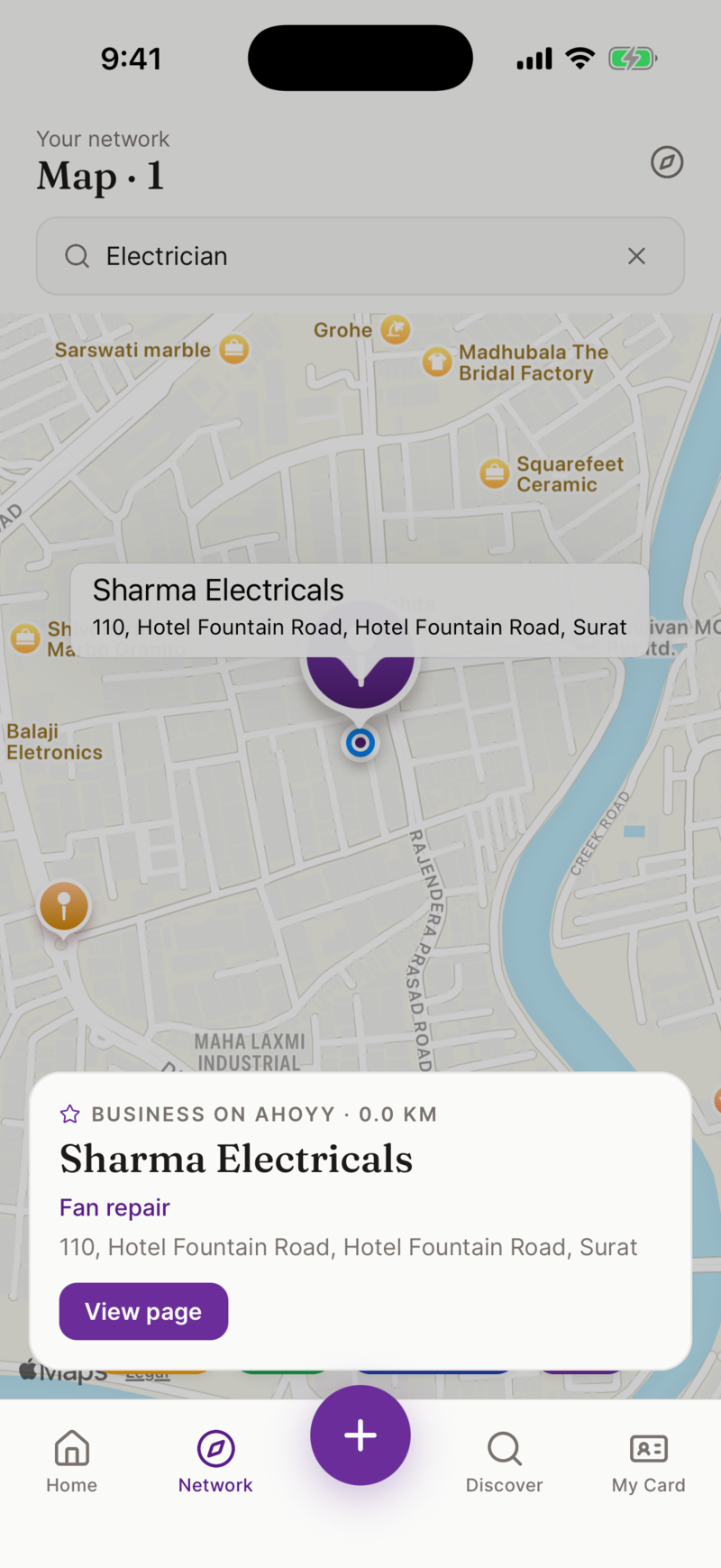
Every contact can hold where you met them. The app guesses your place when you save someone, and you can search for the exact shop and drop a pin on it. Later the map shows your people where they actually are.
Your personal phonebook stays personal
Ahoyy is a second drawer, not a replacement. Family and friends stay in your phone contacts. Shops, service people, dealers, people you met once at a wedding and might need next year, all live in Ahoyy.
That one split fixes most of the mess. Your phone contacts get short again, and nothing important is lost.
What we will never do with your contacts
We do not sell your contacts and we do not build a public caller ID list from them. A lot of free contact apps in India pay their bills exactly that way. Your list stays in your account.
Common questions
- Is the contact manager free?
- Yes. Saving contacts, importing from your phonebook, adding notes and places, and searching are all free.
- Will it change or delete anything in my phone contacts?
- No. Importing copies details into Ahoyy. Your phone contacts are left exactly as they are.
- How does it handle duplicates?
- When you import, Ahoyy filters out numbers you have already added, so you do not create a second copy. Inside Ahoyy you get one entry per person, with all your notes on it.
- What if I only remember where I met someone?
- That is enough. Search the area or open the map and look around that part of the city. This is the whole reason the place is saved with the person.
- Can I add contacts without typing?
- Yes. Point your camera at a visiting card, a shop board or a number on a bill and the details come out on their own.
- Does it work in Hindi?
- Yes. The app switches to Hindi from Settings, including category and service names.
Sort your phonebook this week
Free to use, and your personal contacts stay untouched.
Get the app freeRead next: How to organise your phone contacts, Keep your contacts in sync, Scan cards instead of typing.