a!Ahoyy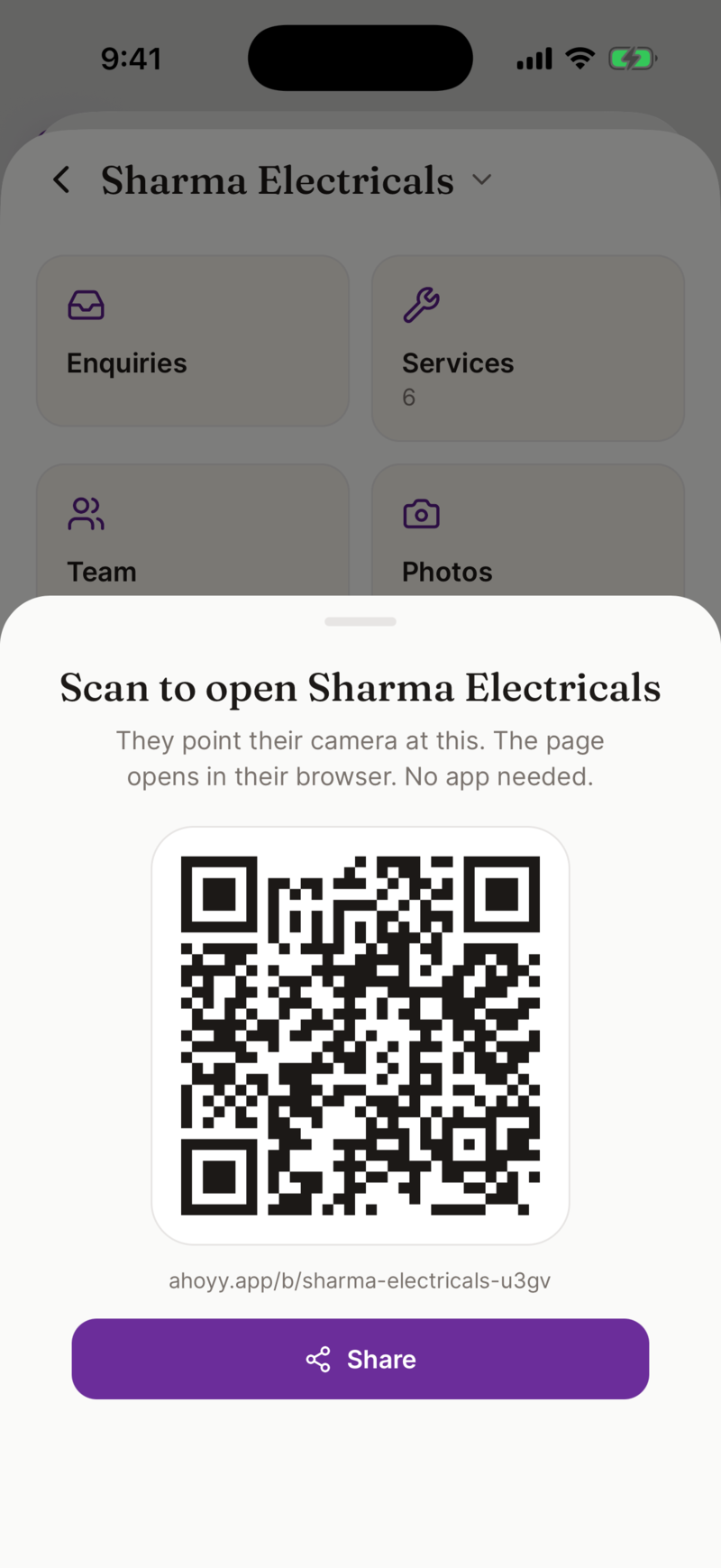
One QR code for your whole shop
Your counter already has a payment QR. This one does more. A customer scans it with their normal camera and your whole page opens: services, prices, photos, call, WhatsApp, booking, and yes, UPI too. They need no app.
Where people use it
- • On the counter, so a browsing customer can see the full rate list.
- • On the shutter, so people who come when you are closed can still reach you.
- • On your auto, tempo or delivery box, for the person stuck behind you in traffic.
- • On a visiting card, instead of printing your whole price list.
How to get yours
- 1. Make your free page in the Ahoyy app: name, services, prices, location.
- 2. Tap Share. Your QR is right there to show or send.
- 3. On the web dashboard, tap Download to print for a crisp printable file.
Your staff get their own cards with QR codes too, so a customer can save the exact person who served them.
Print yours this week
Get the app freeMore on Ahoyy for Business and getting your shop online.